|
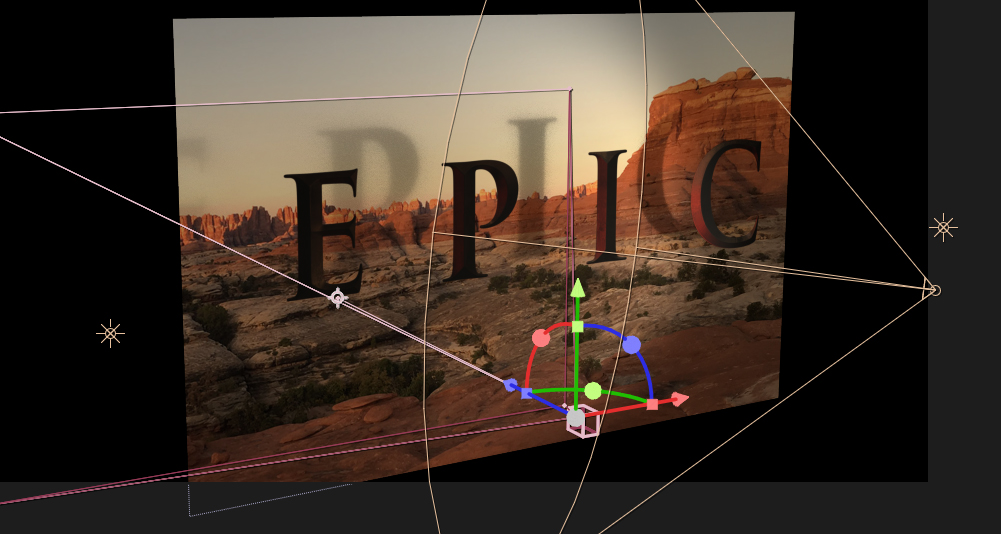
3D Layers in After Effects The creation of a 3D workshop fundamentally alters what you can do and how you can work within AE. |
|
We now have Cameras and lights to navigate through and add atmosphere to our work. These elements allow us to carefully control how the footage files are seen and as with most other elements in AE, their parameters are all animatable. Cameras and Lights can be added to a scene via the Layer/New Menu. 3D Cameras come with a number of options that should look familiar to anyone who has ever picked up an SLR camera, such as focal legnth, depth of field, F-stop, and zoom level. 3D lights come in five types: Parallel-
simulates sunlight |