|
3D Layers in After Effects To be sure, the most significant upgrade to AE that Adobe has implemented over the years is the addition of 3D layers within the AE project stage. Because each element within an AE project is actually limited to a 2D plane, the positioning of these planes within a 3D space is often refered to as 2.5D. While these features fall far short of those found in dedicated 3D programs, they offer powerful options for the motion graphic artist - some of which cannot be reproduced easily in those high-end 3D powerhouses. |
|
|
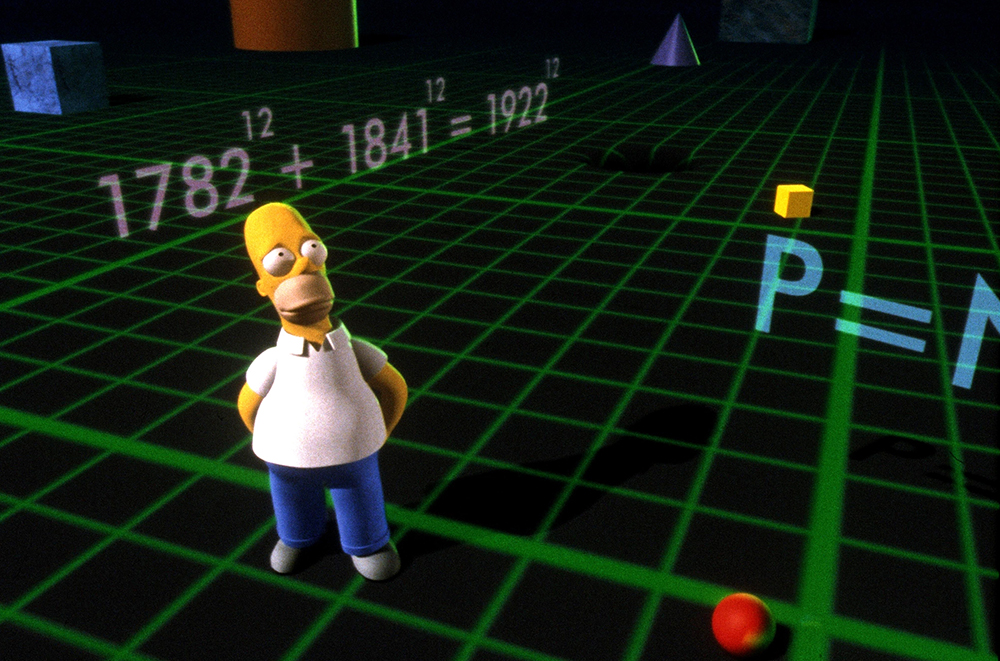
| You can now add a 3D attribute to any layer, camera, or light. But what exactly is 3D and what will it bring to the party?... In 2D, we work within a 2 axis world. X means left to right and Y means up and down. In 3D we add the Z axis- which means farther or nearer. We can now position 3D layers so that they appear to come forward towards the viewer or recede into the viewing plane of our projects. | |