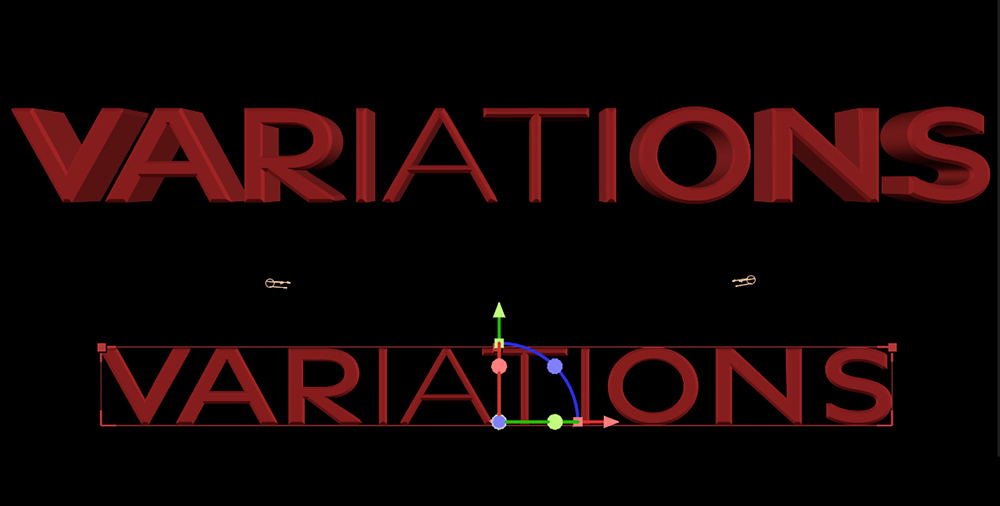
You can add a Text Animator to any 3D text - it affects the base 2D text which is then extruded into 3D.
The list of animatable parameters will change once you switch the layer's 3D button on. The Color parameter will be replaced by a whole section of parameters that allow you to change the color of the text's sides, back, and its bevel separately. Material Options are added to the layer that control whether the text will cast shadows (if a 3D Light has been added to the scene) and whether other shadows will be visible on its surface. A number of material parameters, such as Specular Intensity, can be found here.
An Animator that introduces a new range of expression to your work has just been added in AE 2026. This parameter is specific to Adobe's new Variable Font Library and allows you to animate the weight of the font being used. This simple addition opens the door for creative possibilities, which are further amplified by animating its associated Range Selector.