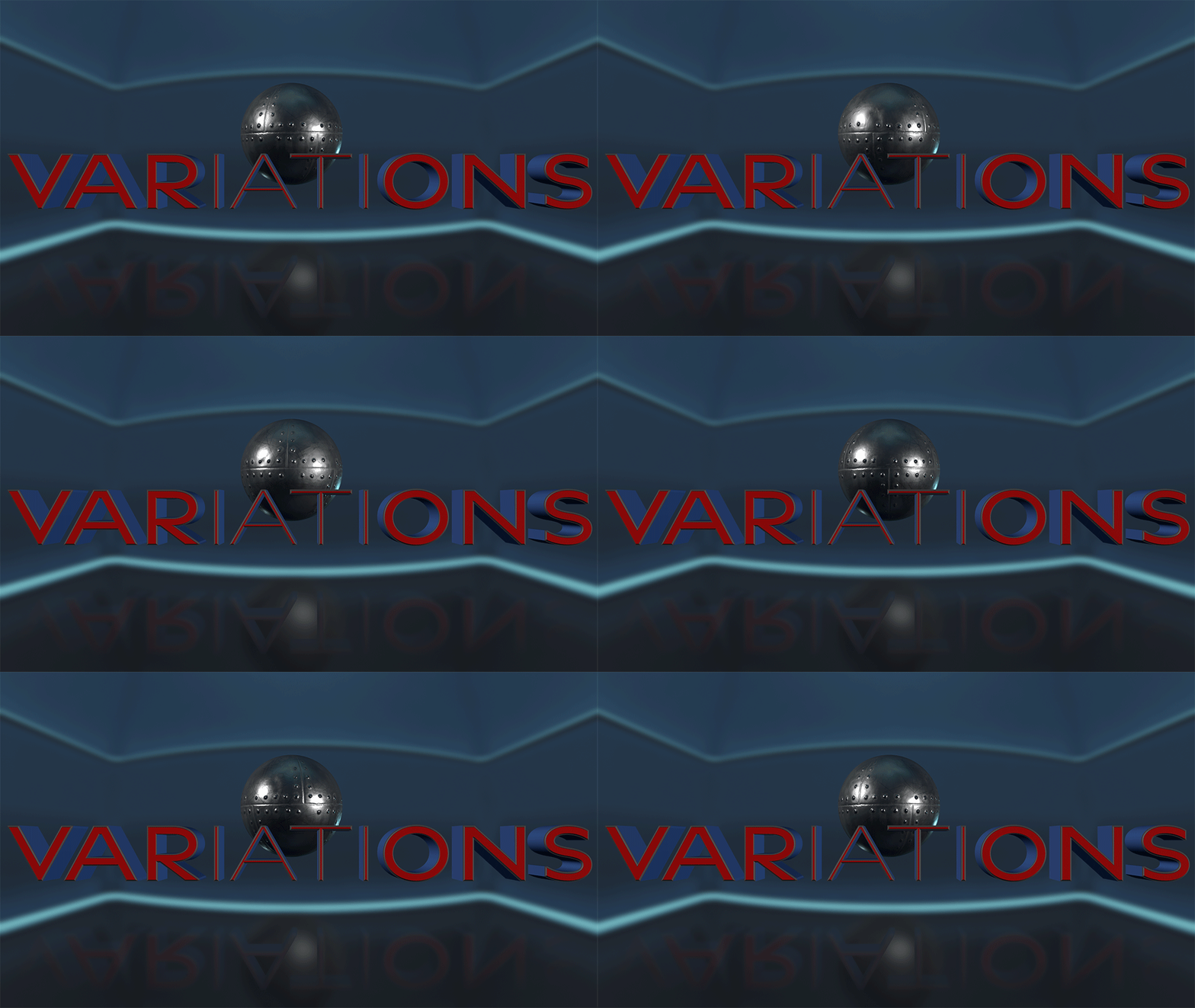
A powerful addition to the After Effects 3D tool set is the ability to use Environment Lights in a 3D scene. This will introduce nuanced lighting that projects image-based color and atmosphere onto 3D elements that are set to recieve lighting within the Comp. Once an Environment Light is placed into a Comp, it can be used to create an Environment BG. This takes the HDRI image linked to the light and wraps it inside of a sphere surrounding the scene. The workflow to add an Environment Light into a scene and enhance it with an Environment BG is as follows:
Import an HDRI or HDR image into the project and place into Comp.
Go to Menu>Layer>New>Lights and choose an Environment Light. Under Light Options in the Timeline, choose the HDR image as its source.
With the light layer highlighted, go to Menu>Layer>Light>Create Environment Light Background Layer. A slightly blurred BG image will wrap around the entire scene, including behind the camera.